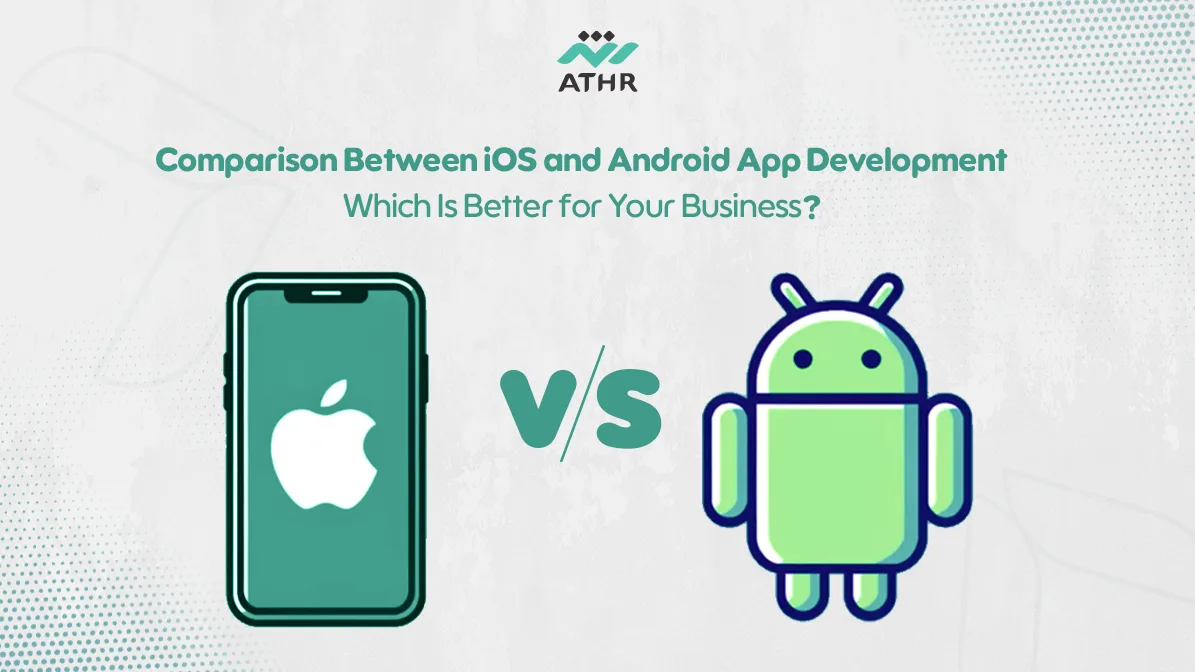
When developing an app for your business, one of the most important decisions you will face is choosing the right platform: iOS or Android. Each platform has its own advantages depending on your target audience and budget.
In this guide to iOS & Android App Development, we will help you understand the key differences between the two platforms and how to choose the best option to build a successful app that drives business growth.
🤝 Request a free consultation today! We’re here to support you in your app development journey.
The Essential Steps in iOS & Android App Development: A Beginner’s Guide
Before starting your project, you need to understand the main steps required for successful iOS & Android App Development. Whether you choose iOS or Android, the development process follows clear and structured stages.
Planning and UI/UX Design
The first step in mobile app development is proper planning and user interface design. At this stage, you must define the app’s goals and identify the core features it will offer.
Whether you are building for iOS or Android, User Interface (UI) and User Experience (UX) are critical success factors.
- For iOS apps, you must follow Apple’s strict design guidelines. The interface should be clean, organized, and highly interactive. Tools like Xcode and Swift are commonly used.
- For Android apps, the design follows Material Design principles, offering flexibility across different devices. Developers typically use Android Studio with Kotlin or Java.
App Testing and Performance Optimization
After design and development, testing and performance optimization are essential parts of iOS & Android App Development.
🔹For iOS testing, you must ensure compatibility with all Apple devices such as iPhone and iPad. Tools like Xcode help analyze performance across environments.
🔹For Android testing, the app must be checked on various devices and screen sizes. Tools like Firebase Test Lab help detect compatibility issues.
📞 Get your app now! Contact us to choose the ideal platform for your project.
Comparison in iOS & Android App Development: Which Is Better for Your App?
Before making your decision, it’s important to understand how iOS & Android App Development differ and how that choice impacts your app’s success.
Difference Between iOS and Android Operating Systems
Criteria | iOS | Android |
Developer | Apple | |
Compatibility | Works only on Apple devices like iPhone and iPad | Works on a wide range of devices from different manufacturers |
Development | Requires Xcode and Swift | Uses Android Studio with Kotlin or Java |
Security | Considered highly secure due to Apple’s strict policies | More open system, which may lead to security vulnerabilities |
Cost | Usually higher due to specialized tools and testing requirements | Generally lower due to open development environment |
How Does Platform Choice Impact Success in iOS & Android App Development?
Choosing the right platform for your app development is a strategic decision that has a major impact on your app’s success in the market.
🧩 Factors to Consider:
1️⃣ Your Target Audience:
If your audience is in countries like the United States or Europe, where iOS users often have higher purchasing power, iOS may be the better option.
If you are targeting markets like Asia or Africa, where Android has a larger user base, Android may be more suitable.
2️⃣ Budget:
iOS usually requires a higher budget due to development tools and App Store approval processes.
Android offers a more flexible development environment with lower costs, but it may require more time for testing across multiple devices.
3️⃣ Performance & Compatibility:
If your app needs advanced features like AR or high graphics performance, iOS may be the better choice due to optimized performance.
If you want to reach the widest range of devices, Android is ideal because it is supported by many manufacturers.
4️⃣ Tools & Support:
iOS provides an integrated development environment with powerful tools like SwiftUI and Xcode, making development smoother.
Android offers flexible tools like Android Studio and Firebase, supported strongly by Google.
📲 A mobile app is the key to a better customer experience. Read the article to learn how!
Choosing the Right Platform for Your App: iOS or Android?
One of the biggest challenges app developers face is choosing the right platform that aligns with their business goals. This decision depends on several factors, such as the target audience, available budget, and performance requirements.
Comparison Between iOS and Android
Factor | iOS | Android |
Performance & Compatibility | Delivers high performance within Apple’s limited device ecosystem, ensuring a consistent and smooth experience. | Runs on a wide range of devices, which may create performance challenges due to different processors and screen sizes. |
Development Flexibility | Uses Xcode and Swift, providing a unified development environment aligned with Apple standards and fewer customization constraints. | Uses Android Studio with tools like Kotlin and Java, giving developers greater flexibility and customization options. |
Security | Considered one of the most secure systems due to Apple’s strict app policies and controls. | More open ecosystem, which may increase security vulnerabilities, but Google provides protection tools like Google Play Protect. |
Cost & Time | Requires tools like Mac and Xcode, increasing costs. Apple also charges annual fees for publishing apps. | Requires Android Studio with lower overall costs, and Google Play Store offers lower publishing fees. |
When Should You Choose iOS and When Should You Choose Android?
🔹Choose iOS If:
- You target advanced markets like the U.S. or Europe, where iPhone users often have higher purchasing power.
- Security is a top priority for your business.
- Your app relies on advanced technologies like AR or AI, which Apple supports strongly.
🔹Choose Android If:
- You target emerging markets or a broader audience, as Android dominates many global regions.
- You want lower development costs and more flexibility.
- You need support across multiple price-range devices.
📥 Need expert advice for your app development? We’re here to help — contact us now!
Can iOS and Android Apps Be Combined in the Same Project?
Yes. Modern cross-platform technologies allow you to develop one application that runs on both iOS and Android. This approach saves time, reduces costs, and simplifies maintenance compared to building two separate apps.
Cross-Platform Development Technologies and How to Use Them
There are many technologies that allow you to develop apps that run on both iOS and Android within the same project, including:
1. Flutter
- An open-source framework by Google using Dart.
- It offers high performance and a consistent UI while significantly reducing development time.
2. React Native
- Based on JavaScript and supported by Meta (Facebook).
- It allows code sharing between iOS and Android, simplifying updates and maintenance.
3. Xamarin
- A Microsoft framework using C# and .NET.
- It provides access to native system components for strong performance.
4. Ionic
- Built with HTML5, CSS3, and JavaScript.
- Ideal for web-focused apps that require reasonable performance.
Benefits of Combining iOS and Android Apps in One Project
- Reducing Costs and Time
One of the biggest benefits of cross-platform technologies is cost reduction. Instead of developing two separate apps (one for iOS and another for Android), you can develop a single app that works on both platforms.
Additionally, reducing the development time accelerates the product launch, giving you a significant competitive advantage. - Easier Maintenance
Developing a single app allows for simpler maintenance. Instead of managing two versions of the same app on different platforms, you can make updates and modifications to a single codebase, reducing the effort required to coordinate between different versions. - Reaching a Larger Audience
Integrating both iOS and Android apps gives you the opportunity to reach a larger audience by catering to the needs of users on both platforms. This significantly expands your customer base compared to developing an app for only one platform. - Consistent User Experience
Cross-platform technologies like Flutter and React Native allow for a consistent user experience across both platforms. iOS and Android users can enjoy a similar experience in terms of user interface and performance, enhancing customer satisfaction. - Ease of Expansion and Future Development
With cross-platform technologies, expanding your app to support other platforms in the future, such as web or Windows, is straightforward. This is useful if you plan to broaden your app’s scope to include additional operating systems.
Your complete guide to optimizing mobile apps on Android and iOS and improving their performance. 📰 Read the full article here!
Choosing the right app development platform between iOS and Android largely depends on your business needs and goals. While each platform offers unique advantages, the best choice for you depends on your target audience, available budget, and the tools required to build your app. Whether you prefer iOS for stability and security or Android for broader market reach, make sure your decision aligns with your business strategy and supports long-term success.
💬 Your app design starts here! Get a professional consultation today